Tutanota
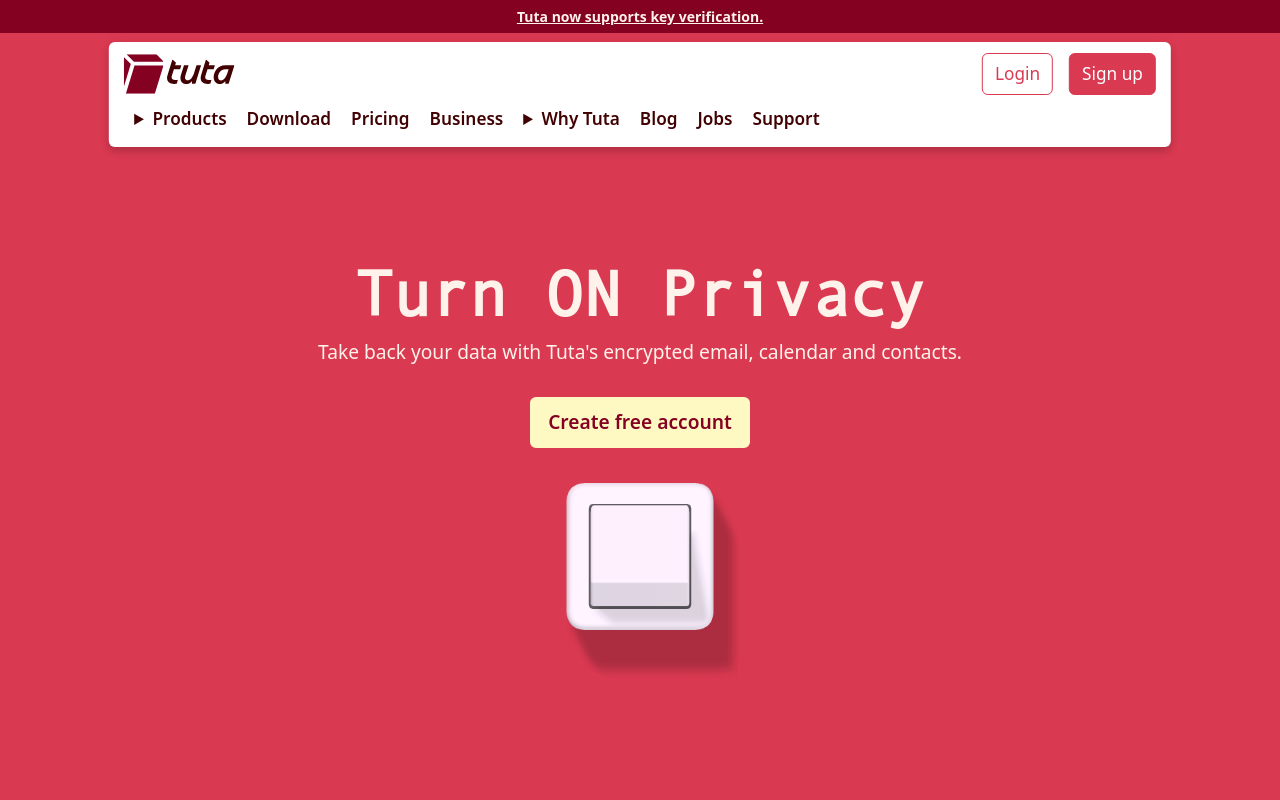
What is Tutanota?
Tutanota is a secure email service based in Germany that provides end-to-end encryption for all messages, protecting communications from surveillance and unauthorized access. Founded in 2011 by a team of privacy advocates and cryptographers, Tutanota has grown into one of the most trusted alternatives to mainstream email providers, serving millions of users who prioritize privacy over the convenience features that Google and Microsoft provide in exchange for scanning email content.
Unlike standard email services that can read your messages to display targeted advertising or comply with government requests, Tutanota encrypts everything on your device before sending—even Tutanota’s own servers cannot decrypt your communications. This zero-access architecture means that even if Tutanota were compelled by law enforcement to hand over data, the encrypted content would be unreadable without your password. The service encrypts not just message bodies but also subject lines, attachments, and contact information.
Tutanota operates under German jurisdiction, benefiting from strong European privacy laws including GDPR while avoiding some of the surveillance overreach seen in Five Eyes countries. The company has fought legal battles to protect user privacy and maintains transparency about government requests. As open-source software with published code available for security audits, Tutanota provides verifiable privacy rather than asking users to simply trust their claims.
Beyond basic email, Tutanota offers encrypted calendar functionality, secure contacts storage, and the ability to send encrypted emails to external recipients who don’t use Tutanota through password-protected links. For individuals, businesses, journalists, activists, and anyone handling sensitive communications, Tutanota provides email privacy that mainstream providers fundamentally cannot offer due to their advertising-based business models.
Key Features
- End-to-End Encryption: All emails encrypted on device before transmission—Tutanota cannot read your messages.
- Encrypted Subject Lines: Unlike PGP, Tutanota encrypts subject lines, not just message bodies.
- Zero-Knowledge Architecture: Even Tutanota’s servers cannot access your encrypted data.
- Encrypted Calendar: Secure calendar with end-to-end encryption for all event details.
- Encrypted Contacts: Contact information stored with same encryption as emails.
- External Encrypted Email: Send encrypted messages to non-Tutanota users via password-protected links.
- Open Source: Complete client code published on GitHub for security verification.
- No Tracking: No analytics, no tracking pixels, no advertising—privacy by design.
- Anonymous Signup: Create account without providing phone number or existing email.
- Custom Domains: Use your own domain with Tutanota’s secure infrastructure.
- Multiple Aliases: Create email aliases for different purposes from single account.
- Full-Text Search: Encrypted search index allowing message search without compromising privacy.
- Desktop Apps: Native applications for Windows, macOS, and Linux.
- Mobile Apps: iOS and Android apps with full encryption capabilities.
- Two-Factor Authentication: TOTP and U2F security key support for account protection.
What’s New in Tutanota 2026
- Post-Quantum Encryption: Implementing quantum-resistant cryptography preparing for future threats.
- Improved Search: Faster encrypted search with better relevance ranking.
- Enhanced Calendar: Calendar sharing with maintained encryption between Tutanota users.
- Desktop App Updates: Improved native apps with better system integration.
- New Mail Filters: More powerful filtering options for organizing encrypted mail.
- Better Import Tools: Easier migration from other email providers.
- Performance Improvements: Faster encryption and decryption for large mailboxes.
- Accessibility Updates: Better screen reader support and keyboard navigation.
System Requirements
Web Application
- Any modern browser: Chrome, Firefox, Safari, Edge
- JavaScript enabled
- No plugins required
Desktop Applications
- Windows 10 or later
- macOS 10.13 High Sierra or later
- Linux (AppImage or DEB package)
Mobile Applications
- iOS 13.0 or later
- Android 6.0 or later
- F-Droid version available for Google-free Android
How to Get Started with Tutanota
- Sign Up: Visit tutanota.com and click Sign Up; choose Free or paid plan.
- Create Username: Select your @tutanota.com address; premium allows custom domains.
- Set Password: Choose strong password—this encrypts your data and cannot be recovered if lost.
- Save Recovery Code: Write down recovery code and store securely—only way to regain access.
- Access Webmail: Log in through browser at mail.tutanota.com.
- Install Apps: Download desktop and mobile apps for convenient access.
- Configure 2FA: Enable two-factor authentication for additional account security.
- Import Contacts: Import existing contacts from other providers (vCard format).
- Send Encrypted Email: Compose message; automatically encrypted to other Tutanota users.
- Send to External Recipients: Set password when sending to non-Tutanota addresses.
Tutanota vs Other Secure Email
| Feature | Tutanota | ProtonMail | Mailfence |
|---|---|---|---|
| Free Storage | 1 GB | 500 MB | 500 MB |
| Encrypted Subject | Yes | No | No |
| Open Source | Full client | Partial | No |
| Encrypted Calendar | Yes | Yes | Yes |
| Anonymous Signup | Yes | Sometimes | No |
| Best For | Privacy purists | All-around secure | Business users |
Who Should Use Tutanota
- Privacy Advocates: Anyone who believes email should be private by default.
- Journalists: Those communicating with sources who require confidentiality.
- Activists: People in sensitive political or social movements requiring secure communications.
- Business Users: Companies handling sensitive client information or trade secrets.
- Healthcare Providers: Professionals needing HIPAA-compliant communications.
- Legal Professionals: Lawyers protecting attorney-client privileged communications.
Frequently Asked Questions
What happens if I forget my password?
If you lose both your password and recovery code, your data is permanently inaccessible. This is intentional—it means nobody, including Tutanota, can access your encrypted data without your credentials. Store your recovery code securely.
Can I use Tutanota with email clients like Outlook?
No, standard email clients cannot access Tutanota because they don’t support Tutanota’s encryption. You must use Tutanota’s web interface or official apps. This ensures encryption is never bypassed.
Can people without Tutanota receive my encrypted emails?
Yes, you can send encrypted emails to non-Tutanota users by setting a shared password. Recipients receive a link to a secure page where they enter the password to read and reply to your message.
Is Tutanota truly anonymous?
Tutanota allows signup without phone number or existing email, and accepts cryptocurrency payments for premium plans. Combined with access through Tor, this enables substantial anonymity, though absolute anonymity requires careful operational security beyond just the email provider.
How does Tutanota make money without advertising?
Tutanota operates on a freemium model where paid subscriptions fund the service. Free accounts have limited storage, while premium plans offer more storage, custom domains, aliases, and business features. No advertising or data mining is involved.
Final Verdict
Tutanota represents email as it should be—private by design, not by promise. The combination of end-to-end encryption, zero-knowledge architecture, open-source transparency, and German legal protections creates a genuinely secure email service that mainstream providers cannot replicate without abandoning their advertising business models. While sacrificing some convenience features like IMAP access and email client compatibility, users gain assurance that their communications remain private even from Tutanota itself. For anyone handling sensitive communications or simply believing privacy is a right rather than a feature, Tutanota delivers email security that actually works.
Download Options
Download Tutanota
Download NowSafe & Secure
Verified and scanned for viruses
Regular Updates
Always get the latest version
24/7 Support
Help available when you need it