Olark
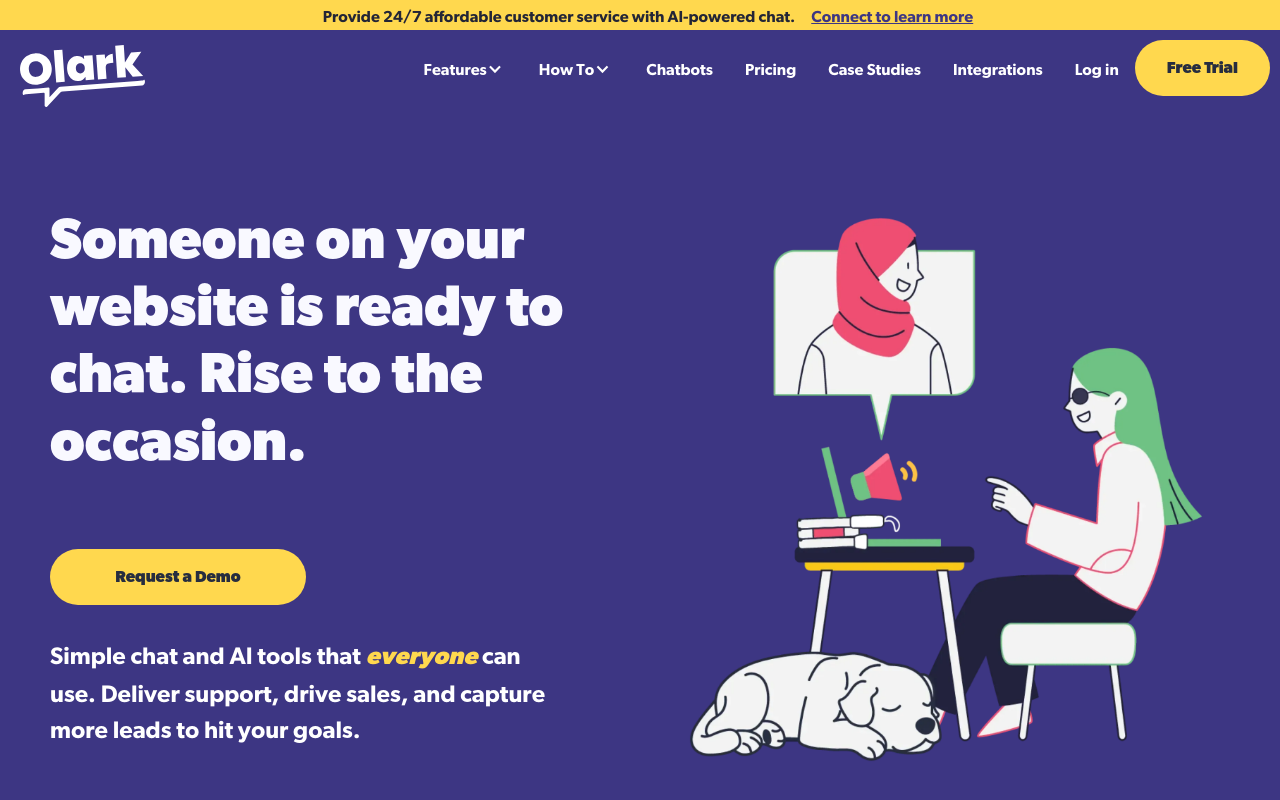
What is Olark?
Olark is a live chat software platform that enables businesses to communicate with website visitors in real-time, providing instant customer support, sales assistance, and engagement opportunities directly within web pages. Founded in 2009, Olark has grown to serve over 12,000 businesses worldwide, from small startups to enterprise organizations, offering an accessible entry point into live chat without the complexity of enterprise-grade solutions.
The platform integrates seamlessly into any website through a simple JavaScript snippet, displaying a customizable chat widget that visitors can use to initiate conversations with your team. Unlike email support with hours-long response times or phone systems requiring staffing, Olark enables businesses to provide immediate assistance precisely when visitors are engaged and considering purchases—the moment with highest conversion potential. Studies consistently show live chat increases conversion rates by 20-30% while reducing cart abandonment.
Olark distinguishes itself through simplicity and focus on core functionality rather than overwhelming feature sets. The platform provides chat transcripts, visitor insights, automated messages, and CRM integrations without requiring technical expertise to configure. Teams can be chatting with customers within minutes of signing up, making Olark particularly attractive for small businesses, startups, and teams without dedicated technical resources to implement complex customer service infrastructure.
Beyond basic chat functionality, Olark offers targeted messaging based on visitor behavior, enabling automated greetings for visitors on pricing pages, exit-intent messages for departing shoppers, or proactive engagement for users spending extended time on specific pages. These automation capabilities multiply team effectiveness, ensuring visitors receive attention even when agents handle multiple conversations simultaneously. For businesses seeking live chat that works immediately without enterprise complexity, Olark delivers accessible customer communication.
Key Features
- Live Chat Widget: Customizable chat box that matches website branding with position, colors, and messaging control.
- Real-Time Visitor Monitoring: See who’s browsing your site, what pages they’re viewing, and their geographic location.
- Automated Messages: Trigger greetings based on time on site, pages visited, referring source, or custom conditions.
- Chat Transcripts: Complete searchable history of all conversations for quality review and training purposes.
- Visitor Insights: View visitor browser, operating system, location, and browsing history during conversations.
- Team Management: Assign chats to departments, set availability schedules, and manage operator permissions.
- Pre-Chat Surveys: Collect visitor information before chat begins to route conversations appropriately.
- Offline Messaging: Capture messages when team unavailable, converting chat widget to contact form.
- CRM Integrations: Connect with Salesforce, HubSpot, Zendesk, and other CRM platforms automatically.
- Shortcuts: Create canned responses for frequently asked questions to speed agent responses.
- Chat Ratings: Allow visitors to rate conversations for quality monitoring and agent performance tracking.
- File Sharing: Send and receive files within chat conversations for documentation exchange.
- Co-Browsing: View visitor screens (with permission) to guide them through complex processes.
- Mobile Apps: iOS and Android apps for responding to chats from anywhere.
- API Access: Developer API for custom integrations and workflow automation.
What’s New in Olark 2026
- AI-Powered Suggestions: Smart response recommendations based on conversation context and historical data.
- Enhanced Chatbot Integration: Improved handoff between automated chatbots and human agents.
- Accessibility Compliance: Updated widget meeting WCAG 2.1 AA standards for screen reader compatibility.
- Performance Optimization: Faster widget loading with reduced impact on page speed metrics.
- Expanded Integrations: New connections with popular e-commerce platforms and helpdesk systems.
- Improved Mobile Experience: Redesigned mobile widget with better touch interactions.
- Analytics Dashboard: Enhanced reporting with conversion tracking and ROI measurement.
- Multi-Language Support: Automatic language detection with translated system messages.
System Requirements
For Website Integration
- Any website capable of adding JavaScript code
- Compatible with all major CMS: WordPress, Shopify, Squarespace, Wix, Magento
- Works with custom-built websites and web applications
- HTTPS recommended for security
For Operators (Web Dashboard)
- Modern web browser: Chrome, Firefox, Safari, or Edge
- Stable internet connection
- Desktop notifications enabled for chat alerts
For Mobile Apps
- iOS 13.0 or later
- Android 8.0 or later
- Push notifications enabled for real-time alerts
How to Get Started with Olark
- Sign Up: Create account at Olark.com with email—14-day free trial includes all features.
- Get Chat Code: Copy the JavaScript snippet provided in your dashboard after signup.
- Add to Website: Paste code before closing body tag on your website pages or use CMS plugin.
- Customize Widget: Configure chat box colors, position, welcome message to match your brand.
- Set Availability: Configure business hours when team is available for live chat.
- Create Shortcuts: Set up canned responses for common questions to speed response time.
- Configure Automation: Set up triggered messages for key pages like pricing or checkout.
- Download Mobile App: Install Olark app on phone for responding to chats on-the-go.
- Connect Integrations: Link CRM, helpdesk, or e-commerce platform for unified workflow.
Olark vs Other Live Chat Solutions
| Feature | Olark | Intercom | LiveChat |
|---|---|---|---|
| Starting Price | $29/mo per seat | $74/mo | $20/mo per agent |
| Free Trial | 14 days | 14 days | 14 days |
| Visitor Monitoring | Yes | Yes | Yes |
| Chatbot | Basic | Advanced | Yes (addon) |
| Ease of Setup | Very Easy | Moderate | Easy |
| Best For | Small businesses | Growing SaaS | E-commerce |
Who Should Use Olark
- Small Businesses: Companies wanting live chat without enterprise complexity or pricing.
- E-commerce Stores: Online retailers seeking to reduce cart abandonment through instant support.
- Service Providers: Consultants, agencies, and professionals converting website visitors to leads.
- Startups: Early-stage companies needing quick-to-implement customer communication.
- Support Teams: Customer service departments supplementing phone/email with live chat option.
- Sales Teams: Organizations using chat for real-time lead engagement and qualification.
Frequently Asked Questions
Can I use Olark on multiple websites?
Yes, Olark allows installation on unlimited websites with all plans. You manage all sites from a single dashboard, with the ability to route chats based on which site visitors come from.
What happens when no agents are available?
During offline hours, the chat widget converts to a contact form. Visitors can leave messages that arrive in your Olark dashboard and email inbox for follow-up when team returns.
Does Olark affect website speed?
Olark loads asynchronously, meaning it won’t block your page from rendering. The widget typically adds less than 100ms to page load time—negligible impact on user experience.
Can I see what pages visitors are browsing?
Yes, the visitor panel shows real-time browsing activity including current page, previous pages viewed, time on site, and geographic location—helping agents provide contextual assistance.
Is Olark GDPR compliant?
Yes, Olark provides GDPR compliance features including data export, deletion requests, consent management, and EU data processing agreements. You can configure cookie consent and privacy policy links.
Final Verdict
Olark occupies the sweet spot between basic chat widgets and enterprise platforms like Intercom or Zendesk. Its straightforward pricing, rapid implementation, and focused feature set make it ideal for small businesses and startups seeking live chat without drowning in features they’ll never use. While larger organizations may outgrow Olark’s capabilities, it provides an excellent starting point that genuinely improves customer communication from day one. For businesses testing live chat or needing reliable visitor engagement without enterprise overhead, Olark delivers accessible, effective customer communication.
Download Options
Download Olark
Download NowSafe & Secure
Verified and scanned for viruses
Regular Updates
Always get the latest version
24/7 Support
Help available when you need it