GoFullPage
What is GoFullPage?
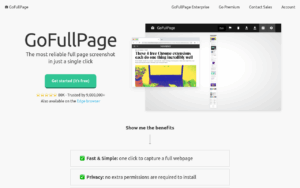
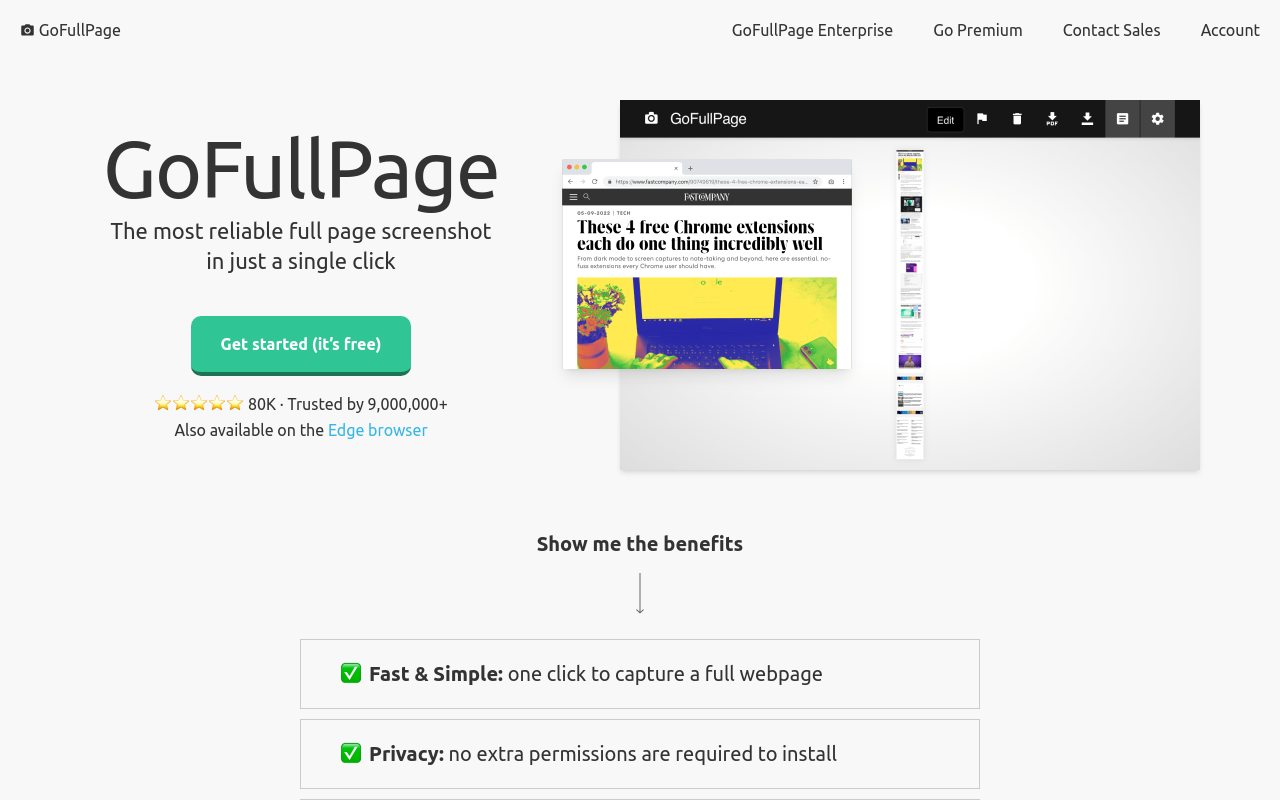
GoFullPage is a streamlined browser extension that captures complete webpage screenshots with a single click, automatically scrolling through content to produce seamless full-length images without manual intervention. Unlike basic screenshot tools limited to visible screen area, GoFullPage handles pages of any length—capturing entire articles, long product listings, social media feeds, or documentation pages as single images perfect for archiving, sharing, or documentation purposes.
The extension’s appeal lies in its radical simplicity: one toolbar click initiates capture, automatic scrolling handles the technical complexity, and within seconds you have a complete page image ready to download as PNG, JPEG, or PDF. There are no accounts to create, no cloud uploads to wait for, no complicated settings to configure—GoFullPage just works. This minimalist approach has earned it over 8 million users in Chrome alone, making it one of the most popular screenshot extensions available.
GoFullPage processes everything locally in your browser, meaning captured content never leaves your device unless you choose to share it. This privacy-first design makes it suitable for capturing sensitive pages like bank statements, medical portals, confidential business documents, or private social media content without concern about cloud storage or third-party access. For users who simply need reliable full-page screenshots without feature bloat, GoFullPage delivers exactly that with zero learning curve.
While competitors offer annotation tools, cloud storage, and collaboration features, GoFullPage intentionally focuses on doing one thing exceptionally well: capturing complete webpages quickly and reliably. The extension handles complex page layouts including sticky headers, lazy-loaded content, and infinite scroll implementations that trip up other screenshot tools. For professionals, researchers, or casual users needing dependable full-page capture without distraction, GoFullPage provides the cleanest solution available.
Key Features
- One-Click Capture: Single toolbar button click initiates full page screenshot—no menus, no options to configure.
- Automatic Scrolling: Extension scrolls through entire page automatically, capturing all content regardless of length.
- Seamless Stitching: Multiple screen captures merged into single continuous image without visible seams or artifacts.
- Multiple Export Formats: Save captures as PNG (lossless), JPEG (compressed), or PDF (document format).
- 100% Offline Processing: All capture and processing happens locally—nothing uploaded to external servers.
- No Account Required: Works immediately after installation without registration, login, or email verification.
- Handles Complex Layouts: Properly captures sticky headers, floating elements, and lazy-loaded images.
- Free and Unlimited: No watermarks, no capture limits, no premium upsells for basic functionality.
- High Resolution Output: Captures at full screen resolution including retina/HiDPI displays.
- Keyboard Shortcut: Customizable keyboard shortcut for power users preferring keyboard activation.
- Chrome/Edge/Brave Support: Works on all Chromium-based browsers with identical functionality.
- Minimal Permissions: Requests only necessary permissions—no browsing history or personal data access.
- Fast Processing: Captures and processes pages quickly even for extremely long content.
- Clean Output: Produces clean images without extension watermarks or branding.
What’s New in GoFullPage 2026
- Manifest V3 Migration: Updated to comply with Chrome’s latest extension architecture requirements.
- Improved Scroll Detection: Better handling of dynamically loaded content and infinite scroll pages.
- Enhanced Memory Management: Reduced memory usage during capture of extremely long pages.
- Sticky Element Handling: Improved detection and proper capture of fixed-position headers and navigation.
- Faster PDF Generation: Optimized PDF creation with smaller file sizes and faster processing.
- Dark Mode Support: Extension popup matches system dark mode preferences.
- Better Error Messages: Clearer feedback when pages cannot be captured due to browser restrictions.
System Requirements
Supported Browsers
- Google Chrome version 88 or later
- Microsoft Edge (Chromium-based) version 88 or later
- Brave Browser version 1.20 or later
- Opera version 74 or later
- Vivaldi and other Chromium-based browsers
Operating Systems
- Windows 7, 8, 10, or Windows 11
- macOS 10.12 Sierra or later
- Linux (any distribution supporting Chrome)
- Chrome OS
Hardware
- Minimum 2GB RAM (4GB recommended for very long pages)
- 10MB available disk space for extension
- Additional space for saved screenshots
How to Use GoFullPage
- Install Extension: Visit Chrome Web Store, search “GoFullPage” and click “Add to Chrome.”
- Confirm Installation: Click “Add extension” in the popup to complete installation.
- Pin to Toolbar: Click puzzle piece icon in Chrome toolbar, then pin GoFullPage for easy access.
- Navigate to Page: Go to the webpage you want to capture and wait for it to fully load.
- Click GoFullPage Icon: Single click on the camera icon in your toolbar to start capture.
- Wait for Capture: Watch as extension automatically scrolls through page (progress shown in icon).
- Download Image: When complete, new tab opens with options to download PNG, JPEG, or PDF.
- Optional Shortcut: Use Alt+Shift+P (customizable) for keyboard-initiated captures.
GoFullPage vs Other Screenshot Extensions
| Feature | GoFullPage | FireShot | Awesome Screenshot |
|---|---|---|---|
| Price | Free | Free / $60 Pro | Free / $6/mo |
| Full Page Capture | Yes | Yes | Yes |
| Annotation Tools | No | Pro Only | Yes (Free) |
| Cloud Storage | No (local only) | No | Yes |
| Account Required | No | No | Yes for cloud |
| Best For | Simple captures | PDF documentation | Team collaboration |
Who Should Use GoFullPage
- Minimalists: Users who want simple, reliable screenshots without feature bloat or configuration.
- Privacy-Focused Users: Anyone capturing sensitive content who doesn’t want cloud uploads.
- Casual Users: People who occasionally need full-page screenshots without learning complex tools.
- Students: Those archiving online resources, articles, or research materials for later reference.
- Content Archivists: Users preserving webpage content before it disappears or changes.
- Quick Documentation: Anyone needing fast webpage captures without post-processing requirements.
Frequently Asked Questions
Is GoFullPage really completely free?
Yes, GoFullPage is completely free with no premium tier, no watermarks, and no capture limits. The developer maintains it as a free tool without monetization through ads or data collection.
Why can’t GoFullPage capture some pages?
Browser security prevents extensions from capturing certain pages including Chrome Web Store, Chrome settings pages, and some bank/payment sites. This is a browser security feature, not a GoFullPage limitation.
Do my screenshots get uploaded anywhere?
No, GoFullPage processes everything locally in your browser. Captured images exist only on your computer until you choose to share them elsewhere.
Why are some images missing from my capture?
Lazy-loaded images that haven’t loaded yet won’t appear. Scroll through the entire page manually first to trigger all images to load, then capture.
Can I capture just part of a page?
GoFullPage focuses exclusively on full-page capture. For partial screenshots, use your operating system’s built-in screenshot tool or another extension with selection features.
Final Verdict
GoFullPage exemplifies the “do one thing well” philosophy, delivering the most straightforward full-page screenshot experience available. While it lacks annotation, cloud storage, and partial capture options found in competitors, this limitation is actually its strength—there’s nothing to configure, no accounts to manage, and no decision fatigue about which feature to use. For users who simply need reliable full-page screenshots without complexity, GoFullPage is the obvious choice. Those needing editing or collaboration features should look elsewhere, but for pure capture simplicity, nothing beats GoFullPage.
Download Options
Download GoFullPage
Download NowSafe & Secure
Verified and scanned for viruses
Regular Updates
Always get the latest version
24/7 Support
Help available when you need it