Geek Uninstaller
What is Geek Uninstaller?
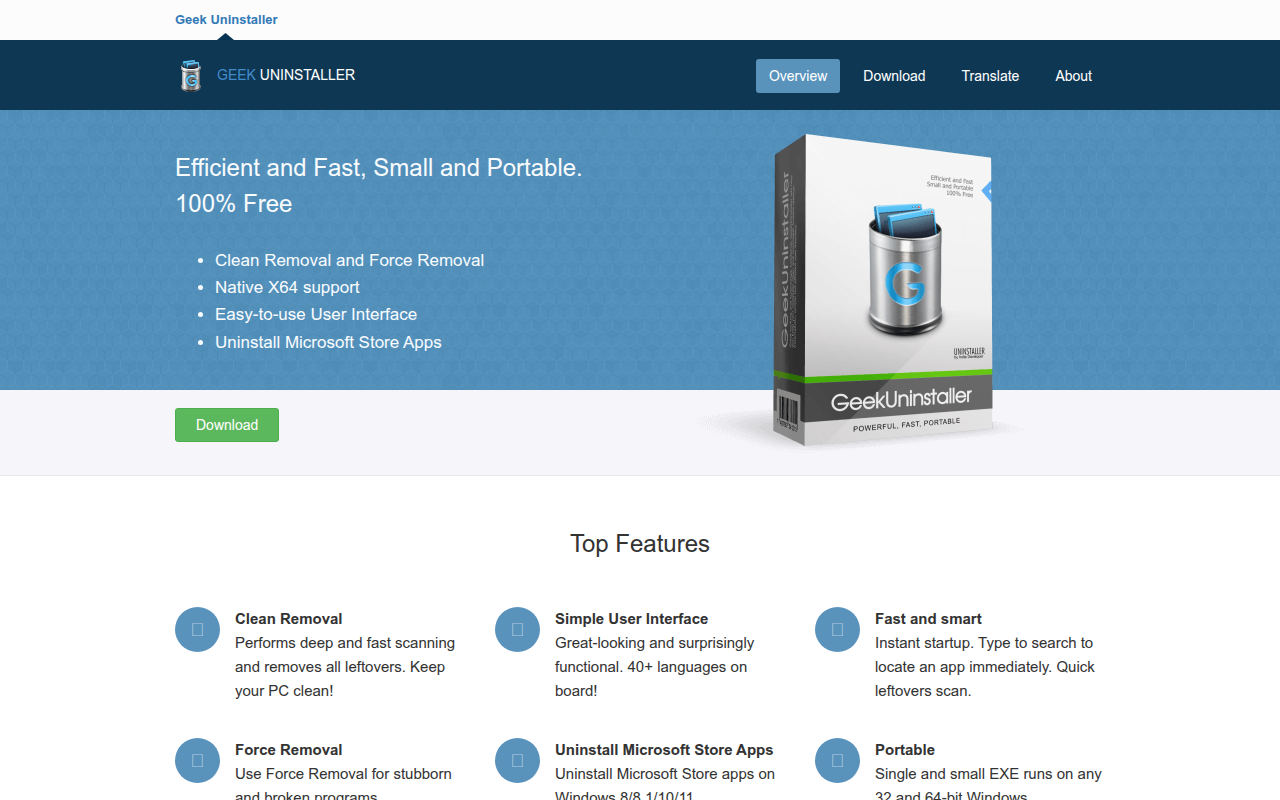
Geek Uninstaller is a lightweight, portable uninstaller utility for Windows that provides quick and thorough removal of programs along with their leftover files and registry entries. Unlike bulkier alternatives that come loaded with additional features and system tools, Geek Uninstaller focuses exclusively on one task—uninstalling software cleanly—and executes it with remarkable efficiency in a small, portable package that requires no installation.
The software’s portable nature makes it invaluable for system administrators, IT technicians, and power users who maintain multiple computers. Simply copy the single executable file to a USB drive and run it on any Windows PC without installation, leaving no traces behind. This portability combined with effective leftover cleaning makes Geek Uninstaller the ideal tool to keep on hand for system maintenance and troubleshooting.
Geek Uninstaller scans for remnants after standard uninstallation completes, identifying orphaned files, empty folders, and obsolete registry entries that would otherwise persist on your system. Its Force Removal feature handles stubborn programs that resist normal uninstallation, while the built-in search function quickly locates specific programs in long lists. For users who want efficient program removal without software bloat, Geek Uninstaller delivers professional results through elegant simplicity.
The program comes in both free and Pro versions, with the free edition providing comprehensive uninstallation capabilities suitable for most users. The Pro version adds batch uninstall, Windows Store app removal, real-time installation monitoring, and enhanced leftover detection. Whether you choose free or Pro, Geek Uninstaller provides the clean, focused uninstallation tool that Windows should have included natively.
Key Features
- Portable Application: Single executable file runs without installation—perfect for USB toolkit.
- Leftover Scanning: Automatically scans for and removes residual files and registry entries after uninstall.
- Force Removal: Delete stubborn programs that won’t uninstall normally or have broken uninstallers.
- Fast Launch: Loads installed programs list almost instantly even on systems with hundreds of programs.
- Quick Search: Real-time filtering to find specific programs in long lists immediately.
- Program Details: View installation date, size, registry key, and install location for any program.
- Entry Point Access: Jump directly to program’s registry entry or installation folder.
- Windows Store Apps: Remove UWP/Windows Store applications (Pro version).
- Batch Uninstall: Remove multiple programs in sequence without repeated launching (Pro).
- Real-Time Monitor: Track new installations for perfect future removal (Pro).
- Sorting Options: Sort by name, size, installation date, or program category.
- Minimal Interface: Clean, distraction-free design focused purely on uninstallation.
- Context Menu: Right-click options for quick actions including Google search for program info.
- Export List: Save installed programs list to HTML file for documentation.
- Multi-Language: Interface available in 40+ languages.
What’s New in Geek Uninstaller 2026
- Windows 11 24H2 Support: Full compatibility with latest Windows version and new application types.
- Improved Detection: Better identification of modern application formats and installation patterns.
- Faster Scanning: Optimized leftover detection algorithm for quicker post-uninstall cleanup.
- Enhanced UWP Support: Better handling of Windows Store and MSIX packaged applications.
- Updated Interface: Visual refinements for better high-DPI display support.
- Better Force Removal: More effective at removing deeply integrated stubborn software.
- Improved Registry Scanning: More thorough detection of orphaned registry entries.
- ARM64 Support: Native support for Windows on ARM devices.
System Requirements
Operating System
- Windows 11 (all editions)
- Windows 10 (all editions)
- Windows 8.1/8 (all editions)
- Windows 7 (all editions)
- Windows XP SP3 (limited support)
Hardware Requirements
- Any processor compatible with Windows
- 128MB RAM minimum
- 10MB disk space (portable, no installation)
- Administrator privileges for full functionality
How to Use Geek Uninstaller
- Download: Get Geek Uninstaller from geekuninstaller.com—choose Free or Pro version.
- Extract: Unzip the downloaded file to any location—no installation required.
- Launch: Double-click geek.exe; program list loads automatically within seconds.
- Find Program: Use search box to filter list or scroll to locate program to remove.
- Right-Click or Double-Click: Access uninstall options through context menu or double-click entry.
- Complete Standard Uninstall: Follow the program’s own uninstaller prompts if one exists.
- Scan for Leftovers: Geek automatically scans for remaining files and registry entries.
- Delete Remnants: Review found items and click Delete to remove all leftovers.
- Force Remove if Needed: For stubborn programs, use Force Removal from context menu.
- Confirm Cleanup: Verify the program no longer appears in the list—removal complete.
Geek Uninstaller vs Other Uninstallers
| Feature | Geek Uninstaller | Revo Uninstaller | BCUninstaller |
|---|---|---|---|
| Price | Free / $25 Pro | Free / $25 Pro | Free (open source) |
| Portable | Yes (default) | Pro only | Yes |
| File Size | ~3MB | ~15MB | ~10MB |
| Load Speed | Very Fast | Moderate | Moderate |
| Extra Features | Minimal | Many | Many |
| Best For | Quick, portable use | Full-featured | Power users |
Who Should Use Geek Uninstaller
- IT Technicians: Professionals who maintain multiple computers and need portable tools.
- Minimalists: Users who prefer single-purpose tools without feature bloat.
- Quick Cleanups: Anyone needing fast, effective program removal without lengthy scans.
- USB Toolkit Users: People who maintain portable utility collections for system maintenance.
- Casual Users: Those who occasionally need to cleanly remove programs without complexity.
- Speed-Focused Users: Anyone frustrated by slow-loading uninstaller utilities.
Frequently Asked Questions
Is Geek Uninstaller really portable?
Yes, Geek Uninstaller is truly portable. The single executable file runs without installation, doesn’t write to registry, and can run directly from USB drives. No traces are left behind when you delete the executable.
What’s the difference between Free and Pro?
Free version handles standard uninstallation with leftover removal. Pro adds batch uninstall, Windows Store app removal, real-time installation monitoring, and enhanced scanning. Free version is sufficient for occasional use.
How does Force Removal work?
Force Removal manually deletes program files and registry entries when standard uninstallation fails or isn’t available. It’s useful for programs with broken uninstallers or partial installations, but should be used carefully.
Can Geek Uninstaller remove Windows built-in apps?
The Pro version can remove Windows Store apps and some built-in applications. Built-in system components cannot be removed as they’re protected by Windows. Pre-installed bloatware removal depends on how the manufacturer installed it.
Why is Geek Uninstaller so fast?
Geek Uninstaller reads the program list directly from Windows registry rather than performing slower disk scans. Its minimal feature set means no background processes or additional scanning that slows other uninstallers.
Final Verdict
Geek Uninstaller excels through focused simplicity—it does one thing extremely well without unnecessary complexity. The portable design, instant load times, and effective leftover cleaning make it the perfect utility for USB toolkits and quick system maintenance tasks. While Revo Uninstaller offers more features and BCUninstaller provides open-source power-user options, Geek Uninstaller’s minimalist approach serves users who simply want to cleanly remove programs without navigating feature-rich interfaces. For a lightweight, portable uninstaller that just works, Geek Uninstaller is hard to beat.
Download Options
Download Geek Uninstaller
Download NowSafe & Secure
Verified and scanned for viruses
Regular Updates
Always get the latest version
24/7 Support
Help available when you need it