Awesome Screenshot
What is Awesome Screenshot?
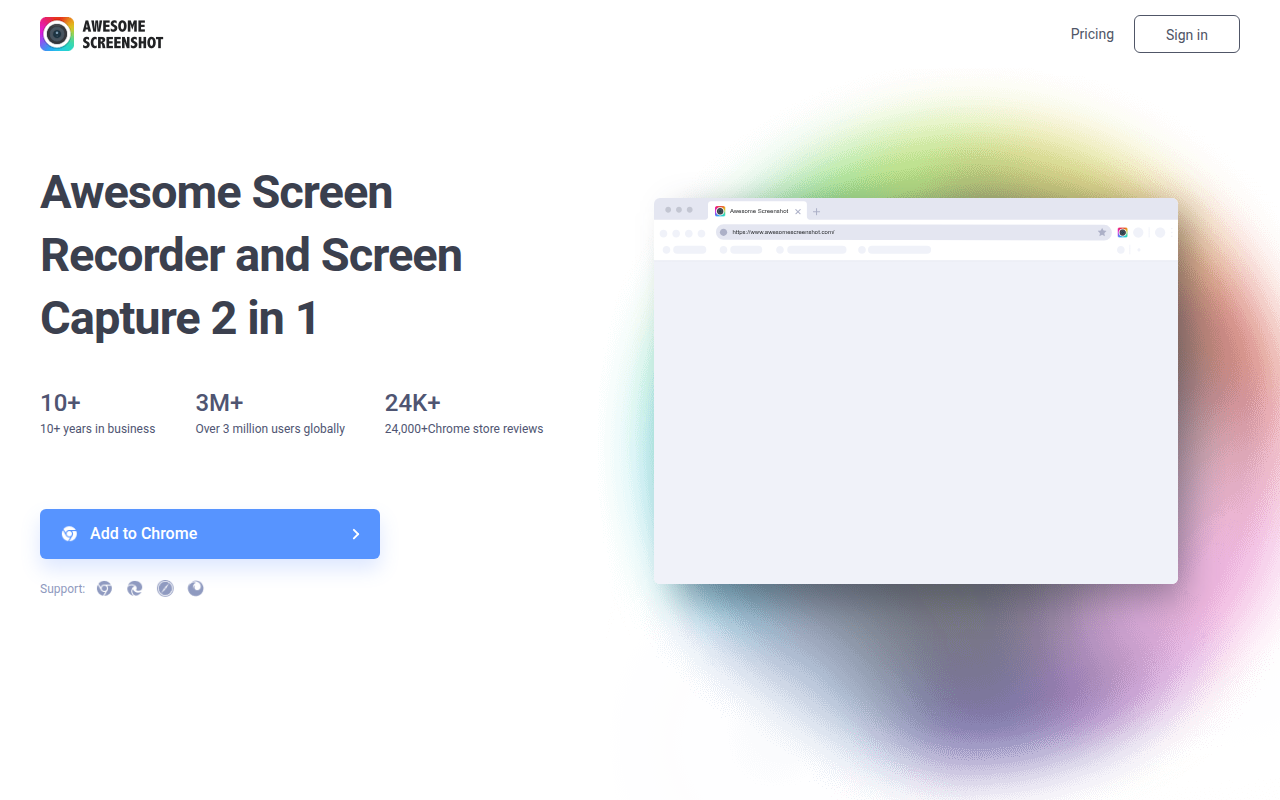
Awesome Screenshot is a comprehensive browser extension that combines screen capture, screen recording, and annotation capabilities into a single tool, enabling users to document, communicate, and collaborate visually without switching between multiple applications. With over 3 million active users, it has become one of the most popular screenshot extensions available, trusted by individuals and teams for everything from bug reporting to creating tutorials and sharing feedback on designs.
The extension goes far beyond basic screenshot functionality, offering full-page capture that automatically scrolls through lengthy content, selected area capture for precise regions, visible portion capture for quick grabs, and screen recording for video documentation. Each capture can be immediately annotated with arrows, text, highlights, shapes, and blur effects before saving or sharing—transforming raw screenshots into clear, communicative visuals that convey information effectively.
Awesome Screenshot’s cloud integration sets it apart from simpler alternatives, allowing instant sharing through generated links without manually uploading files. Captures sync across devices, enabling teams to access shared screenshots from any browser. For collaboration-heavy workflows where screenshots regularly pass between designers, developers, clients, and stakeholders, this cloud-first approach eliminates the friction of email attachments and file-sharing services.
The platform offers both free and premium tiers, with free users receiving generous capture and storage allowances suitable for personal use. Premium subscriptions unlock unlimited cloud storage, longer video recordings, team workspace features, and advanced annotation tools. For professionals who communicate visually throughout their workday, Awesome Screenshot consolidates screenshot, annotation, recording, and sharing into one streamlined workflow.
Key Features
- Full Page Capture: Automatically scrolls and captures entire webpages regardless of length into seamless single images.
- Selected Area Capture: Draw rectangle to capture specific portion of screen with pixel-perfect precision.
- Visible Tab Capture: Instant capture of currently visible browser content without scrolling.
- Screen Recording: Record screen activity with optional microphone narration for tutorials and demonstrations.
- Webcam Recording: Include webcam overlay in recordings for personalized video messages.
- Annotation Tools: Add arrows, text, rectangles, circles, lines, and freehand drawings to captures.
- Blur Tool: Obscure sensitive information like emails, names, or personal data before sharing.
- Highlight Tool: Draw attention to specific areas with colored transparent overlays.
- Cloud Storage: Automatic upload to Awesome Screenshot cloud with shareable links generated instantly.
- Local Save: Download captures as PNG, JPEG, or PDF to local device storage.
- Copy to Clipboard: One-click copy for immediate pasting into documents, emails, or chat applications.
- Team Workspaces: Shared folders for team collaboration with organized screenshot collections.
- Video Trimming: Edit recordings by trimming start and end points before sharing.
- Hotkey Support: Customizable keyboard shortcuts for rapid capture without mouse navigation.
- Browser Integration: Available for Chrome, Firefox, Edge, and Safari browsers.
What’s New in Awesome Screenshot 2026
- AI-Powered Editing: Smart suggestions for annotation placement and automatic sensitive content detection.
- Enhanced Video Editor: In-browser video trimming, cutting, and basic editing without external software.
- Improved Performance: Faster capture processing and reduced memory usage for long pages.
- Team Analytics: Usage statistics and engagement metrics for team workspace administrators.
- Integration Expansion: New connections with Notion, Linear, Asana, and Monday.com.
- Mobile Companion App: View and share captures on mobile devices with new iOS and Android apps.
- Advanced Privacy Controls: Granular sharing permissions and expiring links for sensitive content.
- 4K Recording Support: High-resolution screen recording matching modern display capabilities.
System Requirements
Supported Browsers
- Google Chrome version 88 or later
- Mozilla Firefox version 78 or later
- Microsoft Edge (Chromium-based) version 88 or later
- Safari version 14 or later
Operating Systems
- Windows 7, 8, 10, or Windows 11
- macOS 10.12 Sierra or later
- Linux (any distribution supporting Chrome/Firefox)
- Chrome OS
For Video Recording
- Minimum 4GB RAM (8GB recommended for HD recording)
- Microphone for audio narration (optional)
- Webcam for camera overlay (optional)
- Stable internet for cloud upload
How to Use Awesome Screenshot
- Install Extension: Visit Chrome Web Store or your browser’s extension marketplace and add Awesome Screenshot.
- Pin to Toolbar: Click extensions icon and pin Awesome Screenshot for easy access.
- Choose Capture Type: Click extension icon and select Full Page, Visible, Selected Area, or Record.
- Capture Content: For selected area, draw rectangle around desired region; for full page, wait for auto-scroll.
- Annotate: Use toolbar to add arrows, text, shapes, highlights, or blur sensitive information.
- Save or Share: Click Done to upload to cloud (free link), download locally, or copy to clipboard.
- Access Library: View all captures in My Screenshots panel accessible from extension menu.
- Create Workspace: For teams, set up shared workspace and invite members for collaboration.
- Configure Hotkeys: Customize keyboard shortcuts through extension options for faster workflow.
Awesome Screenshot vs Other Tools
| Feature | Awesome Screenshot | Loom | Snagit |
|---|---|---|---|
| Price | Free / $6/mo | Free / $12.50/mo | $63 one-time |
| Screenshot Capture | Excellent | Basic | Excellent |
| Video Recording | Yes | Excellent | Yes |
| Annotation | Full suite | Limited | Full suite |
| Cloud Storage | Yes | Yes | Optional |
| Best For | All-in-one visual | Video messages | Power users |
Who Should Use Awesome Screenshot
- Product Teams: Document bugs, share UI feedback, and communicate design changes visually.
- Customer Support: Create annotated guides showing customers exactly how to resolve issues.
- Marketers: Capture competitor pages, document campaign results, and create visual reports.
- Developers: Screenshot bugs with annotations, record reproduction steps, document features.
- Remote Teams: Share visual context in asynchronous communication across time zones.
- Educators: Create visual tutorials and record explanatory videos for students.
Frequently Asked Questions
Is Awesome Screenshot free to use?
Yes, Awesome Screenshot offers a generous free tier including 30 screenshots per month, 20 video recordings, basic annotation tools, and cloud storage. Premium plans remove limits and add team features.
Where are my screenshots stored?
By default, captures upload to Awesome Screenshot’s cloud servers, generating shareable links. You can also save locally to your device without cloud upload if preferred for privacy or offline access.
Can I use Awesome Screenshot for work?
Absolutely. Many businesses use Awesome Screenshot for bug reporting, documentation, and team collaboration. Premium plans include team workspaces with admin controls suitable for professional environments.
How long are cloud screenshots stored?
Free accounts retain screenshots for 3 months. Premium accounts offer unlimited retention. You can always download local copies for permanent storage regardless of plan.
Does screen recording capture audio?
Yes, you can record microphone audio for narration during screen recordings. System audio capture is also available on supported browsers, allowing you to capture video with sound.
Final Verdict
Awesome Screenshot delivers the most complete visual communication toolkit available as a browser extension. The combination of robust screenshot capture, capable video recording, comprehensive annotation tools, and seamless cloud sharing creates a workflow that genuinely improves how teams communicate visually. While free users face monthly limits, the allowances are generous enough for personal use, and premium pricing remains reasonable for professionals. For anyone who regularly needs to capture, annotate, and share visual content, Awesome Screenshot consolidates what would otherwise require multiple separate tools.
Download Options
Download Awesome Screenshot
Download NowSafe & Secure
Verified and scanned for viruses
Regular Updates
Always get the latest version
24/7 Support
Help available when you need it